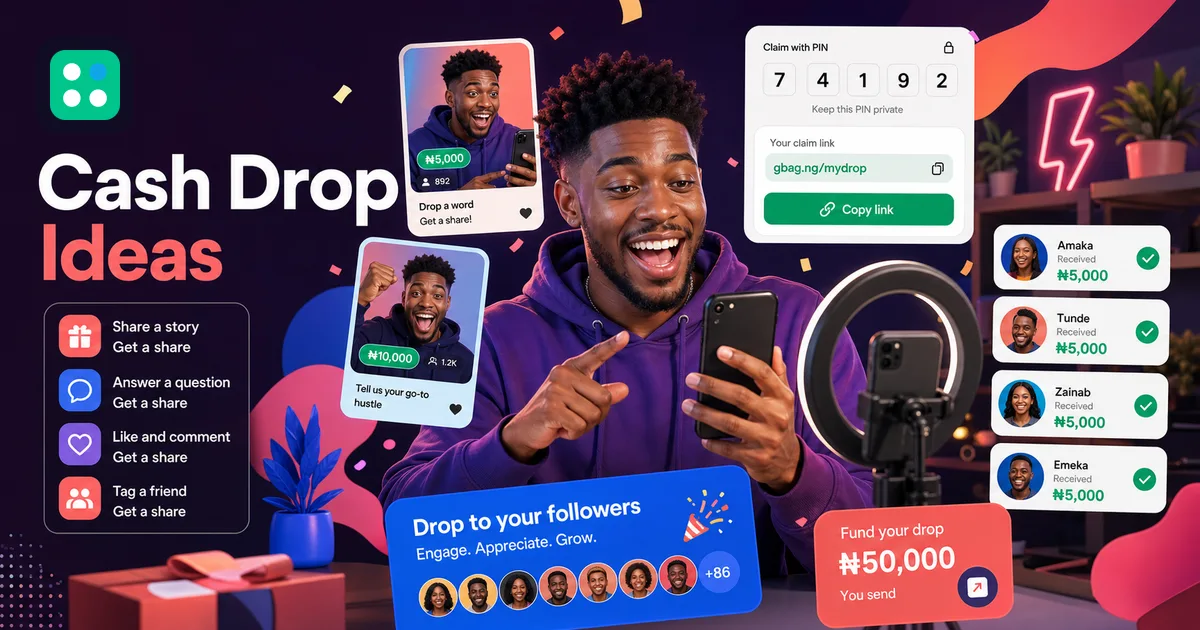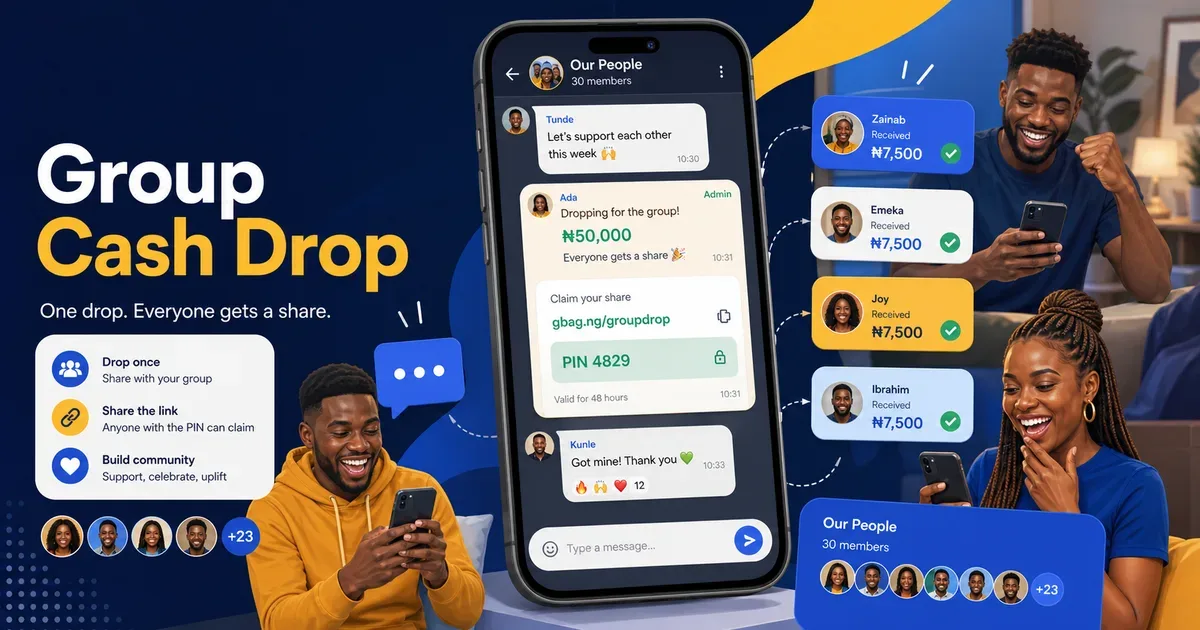
WhatsApp is one of Nigeria's most widely used messaging channels, and WhatsApp Stories (Status) is where your audience already is. If you are a content creator, community manager, or business owner running a cash giveaway, putting your Goodiebag link in your Status can be one practical way to get it in front of people who already know you. The process is simple: create your Goodiebag first, post a Status with your link and a short explanation, post at a time when your audience is actually online, and reply quickly when people engage. Because WhatsApp Status does not support clickable links for most users, the link goes in the text field so viewers can copy and paste it into their browser, and a shortened gbag.me link makes that step easier to read and copy correctly. The same link works for a private gift or a public money giveaway.
Why WhatsApp Status Works for Money Gifting
WhatsApp Status is widely used in many markets, including Nigeria, making it a practical channel for time-sensitive updates. Status posts sit at the top of the app, they are full-screen, and they vanish after 24 hours. That last bit matters for time-sensitive giveaways. Plus, anyone with your number saved can see your Status. Your existing network becomes your distribution.
Step 1: Create Your Goodiebag First
Before you post anything, create your Goodiebag at getgoodiebag.com/create. Set your amount, choose your mode (Equal Split or Lucky Split), add recipients if you want a Guest List, and complete payment. Once the bag is live, you will get your unique share link. This is the link you will put in your Status.
Step 2: Craft Your Status Post
You have options. A simple text status works. Write something like: I am dropping ₦50,000. The first successful claims get something while slots remain. Link in my bio. Or screenshot your confirmation page and post it as an image with text overlay. Video works best. Record a 15-second clip of yourself explaining the giveaway and telling people to tap the link.
Step 3: Add the Link Properly
WhatsApp Status does not support clickable links directly in the status post for most users. Here is the workaround. Post your Status with the visual content (image or video). Then in the text field of the Status, type your Goodiebag link: getgoodiebag.com/bag/your-bag-id. Viewers can copy the link from your Status and paste it in their browser. For a smoother experience, tell them to copy the link from my status and open in Chrome.
Tip: Shorten your link with gbag.me for cleaner Status posts. A link like gbag.me/YourCode is easier to read and copy from a Status update.
Step 4: Post at Peak Times
Post your Goodiebag Status between 7 PM and 9 PM on weekdays. That is when people are winding down. Sunday evenings around 6 PM to 8 PM work well too. Your Status lasts 24 hours, but the first hour gets the most eyes.
Step 5: Engage in the Comments
When people reply to your Status, respond quickly. If someone replies, direct them to open the Goodiebag link and use the claim PIN when you are ready for claims to begin. If you are using Guest List, only the phone numbers you added can successfully claim. Quick replies make people feel seen and encourage others to jump in.
Read Also
Beyond Status: Share to Groups
Do not stop at Status. Share your Goodiebag link directly in relevant WhatsApp groups. Family, alumni, church, or business groups all work. Drop the link with a short message explaining what it is and how to claim. One Goodiebag shared in 3-4 active groups can reach 200+ people within an hour.
Create your first Goodiebag
Create a money packet in under 2 minutes. One link. One PIN. Everybody paid.
Create a GoodiebagThe Bottom Line
WhatsApp Status puts your offer directly in front of people who already follow you. Create your bag, post your Status, get the timing right, and respond to people who engage. This approach works best when you already have an active network. Results vary based on audience size, timing, trust, and participation.
This article is for general informational purposes only and does not constitute legal, financial, tax, business, investment, or regulatory advice. Results vary. Goodiebag does not guarantee income, engagement, claims, sales, follower growth, campaign performance, or payout timing.
See how simple it is to start at Goodiebag. When you are ready, create your own Goodiebag in under two minutes.
Goodiebag Editorial Team
Goodiebag product and safety team
Guides by the Goodiebag team on social cash gifting, supported payouts, sender safety, and practical digital reward use cases in Nigeria.
Start your first Goodiebag today
Fund a drop, share a link and PIN, and let your audience claim while the moment is live. No Goodiebag account needed for recipients.
Create a Goodiebag